
How to Reduce Window Glare on Security Cameras at Night
Struggling with blinding reflections on your window-mounted camera? Learn 6 proven methods to eliminate glare and get clear night vision footage through glass.
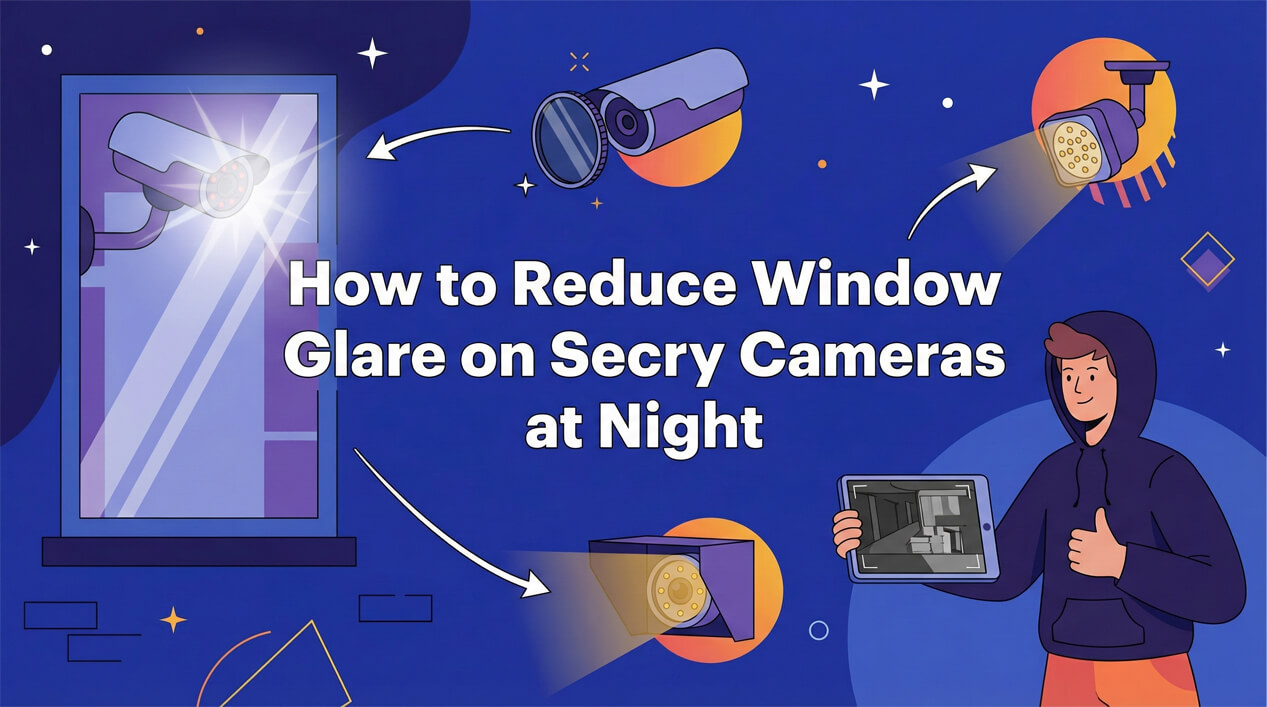
Table of Contents
Placing a security camera inside a window pointing out is a convenient way to monitor your property without drilling holes or wiring outside. However, as soon as the sun goes down, many users encounter a frustrating problem: Window Glare.
Instead of a clear view of your driveway or porch, you see a blinding white reflection of the camera itself, or just a pitch-black frame. This is usually caused by the camera's built-in Infrared (IR) night vision lights reflecting off the glass pane.
Here is a comprehensive guide on how to fix this issue and get crystal clear footage through glass at night.
1. Turn Off the Built-in IR Lights / Night Vision
The #1 cause of window glare is the camera's own IR LEDs. When these lights hit the glass, they bounce right back into the lens, blinding the sensor.
The Fix: Go into your camera's settings app and look for "Night Vision" or "IR Lights". Switch them to OFF.
Note: Doing this will make the image pitch black unless you have another light source outside.
2. Get the Lens Flush Against the Glass
Physics is your friend here. The closer the camera lens is to the glass, the less room there is for light to bounce around and reflect back into the sensor.
The Fix:
- Mount the camera so the lens physically touches the window pane.
- If you can't touch the glass, use a black cloth or a silicone hood to bridge the gap between the camera and the window. This creates a tunnel that blocks indoor light from hitting the glass in front of the lens.
3. Use External IR Illuminators
If you turned off your camera's IR lights (Step 1), you need a light source outside to see in the dark.
The Fix: Install an external IR illuminator outside. These are inexpensive, weather-resistant devices that flood your yard with invisible infrared light. Your camera (even with its own IR lights off) is still sensitive to IR light and will pick up this external illumination clearly through the glass, without the glare.
4. Keep the Room Dark
Any light inside the room—from a lamp, a TV, or even a power strip LED—can reflect off the window glass and obscure the view outside.
The Fix:
- Turn off lights in the room where the camera is located.
- Use blackout curtains behind the camera to block light from the rest of the house.
- Cover any status LEDs on the camera itself with a piece of black tape.
5. Clean Your Window
It sounds simple, but dust, smudges, and fingerprints on the glass catch light and create "blooming" or hazy images, especially when backlit by streetlights.
The Fix: Clean both the inside and outside of the window thoroughly with a streak-free glass cleaner.
6. Use a Dedicated Window Camera
If you want the most effective and hassle-free solution, consider using a camera specifically designed for window placement. Unlike standard security cameras, these devices are engineered to solve the glare problem out of the box.
The Fix:
- Use a Window Camera: These cameras (such as these dedicated window cameras) are designed with a flat lens that sits completely flush against the glass.
- Zero Glare: By eliminating the gap between the lens and the window, they physically prevent light from reflecting back into the sensor.
- Specialized Features: Many window cameras come with dedicated software modes that optimize settings for glass recording, ensuring the best possible picture quality day and night without complex DIY setups.
Conclusion
Monitoring through a window doesn't have to mean accepting poor quality night video. By disabling internal IR lights and managing reflections with proper placement or external lighting, you can turn your indoor camera into a powerful outdoor security tool.